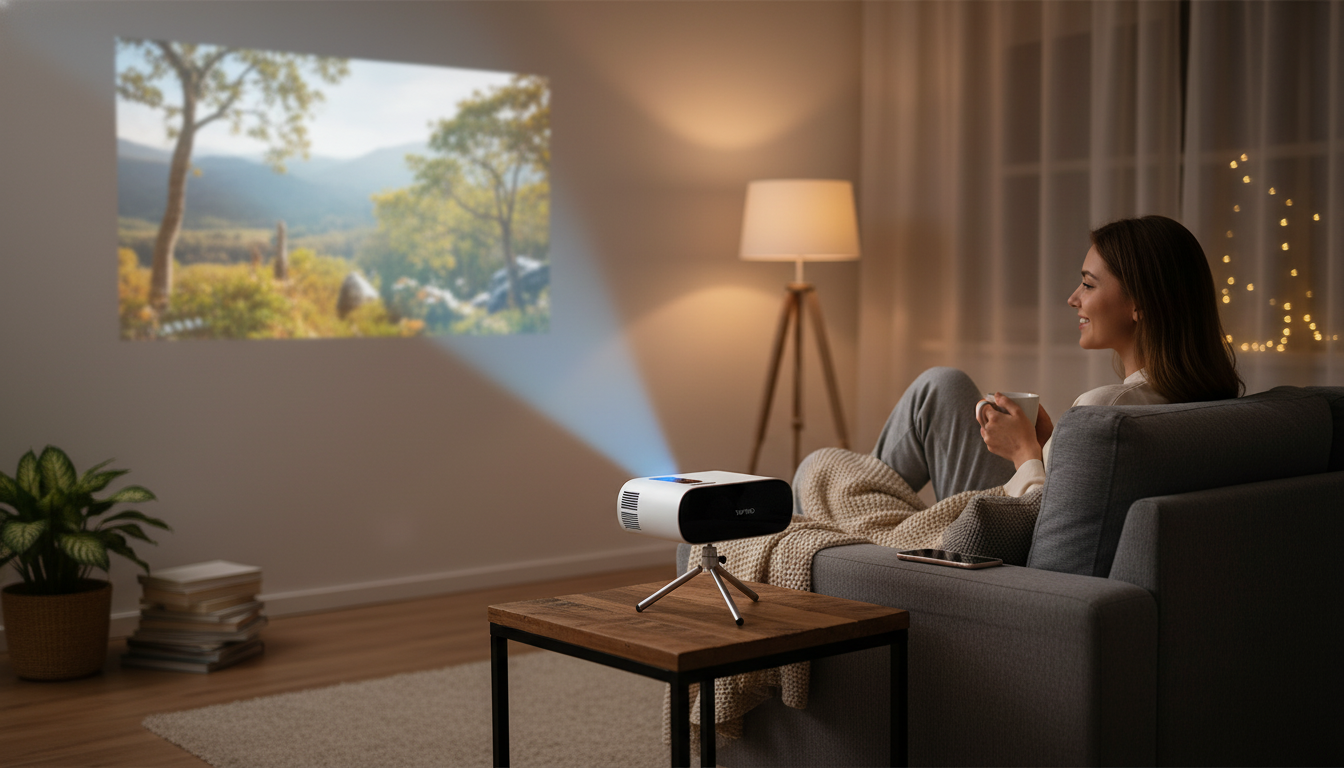
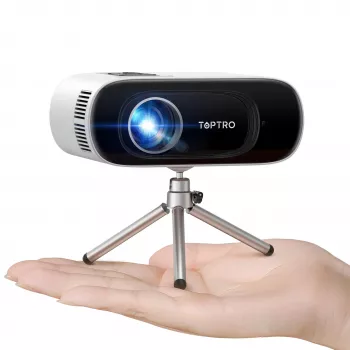
A compact projector can turn a bedroom wall, backyard screen, or small living room into a big-screen setup without a complicated install. This model pairs 1080P input support with wireless streaming options, Bluetooth audio, and auto keystone correction to help square up the image quickly when the projector can’t be perfectly centered. If you want a flexible “screen anywhere” option for casual movies, sports, and light gaming, a mini projector like the Mini HD Projector 1080P Support, 16000 Lumens, WiFi Bluetooth, Auto Keystone is designed to keep setup simple while still offering modern conveniences.
Mini projectors shine when a permanent TV setup feels limiting—or when you want the screen size to change depending on the night. This feature set is geared toward everyday convenience rather than complicated calibration.
For a tidy living-room look, pairing a projector-based setup with a storage-focused media surface can help keep cables, remotes, and accessories from spreading across the room. A piece like the Modern Nordic TV Stand and Storage Dresser can anchor consoles, speakers, and streaming devices even if the projector itself is moved around.
Specs don’t tell the full story, but they do predict how smooth the experience will feel once the novelty wears off. These are the features that tend to matter the most after the first week.
If you’re unsure how far back to place a projector for a specific image size, a throw-distance tool can help you plan the room before moving furniture around. ProjectorCentral’s calculator is a practical starting point: Projector Throw Distance Calculator (ProjectorCentral).
A mini projector is forgiving, but it still rewards a few careful steps. Treat auto keystone as a convenience feature—not a license to place the projector at an extreme angle.
One additional tip that’s easy to overlook: keep the projector stable. Even small vibrations from a wobbly table can make the image feel less sharp, especially during subtitles or sports tickers. A sturdy media console or stand can reduce that “micro-jitter” and make focusing less fussy.
If you’re building a movie-night setup and care about perceived “pop,” remember that contrast and color perception depend heavily on environment and content. RTINGS offers a clear overview of HDR formats and why content mastering matters (even when viewing on different displays): High Dynamic Range and Color Volume basics (RTINGS).
| Feature | What it means for use | Why it matters |
|---|---|---|
| 1080P support | Accepts Full HD input sources | Improves detail for movies, sports, and UI text when focus and screen size are reasonable |
| Brightness rating (16000 lumens listed) | Brightness depends heavily on environment | Dim rooms and proper screens deliver better contrast and color than bright rooms |
| WiFi | Wireless casting/mirroring options | Reduces cable clutter; can be convenient for quick setups |
| Bluetooth | Wireless audio to speakers/headphones | Often the simplest way to improve sound quality |
| Auto keystone | Automatic image squaring | Saves time when placement isn’t perfectly centered |
| Mini form factor | Portable and easy to store | Fits flexible lifestyles and occasional-use scenarios |
No. “1080P support” typically means it can accept a 1920×1080 input signal, but the projector’s native panel resolution may be different; perceived sharpness is also affected by focus, throw distance, and how large you stretch the image.
Auto keystone is great for quickly squaring the picture when placement isn’t perfectly centered, but heavy correction can soften edges or reduce usable detail. For best results, start as centered and level as possible and use keystone for small adjustments.
Yes, Bluetooth can add latency that may show up as lip-sync delay. If it’s noticeable, try wired audio, adjust audio delay on the source device (if available), or use HDMI playback while reserving Bluetooth for more casual viewing.








Leave a comment