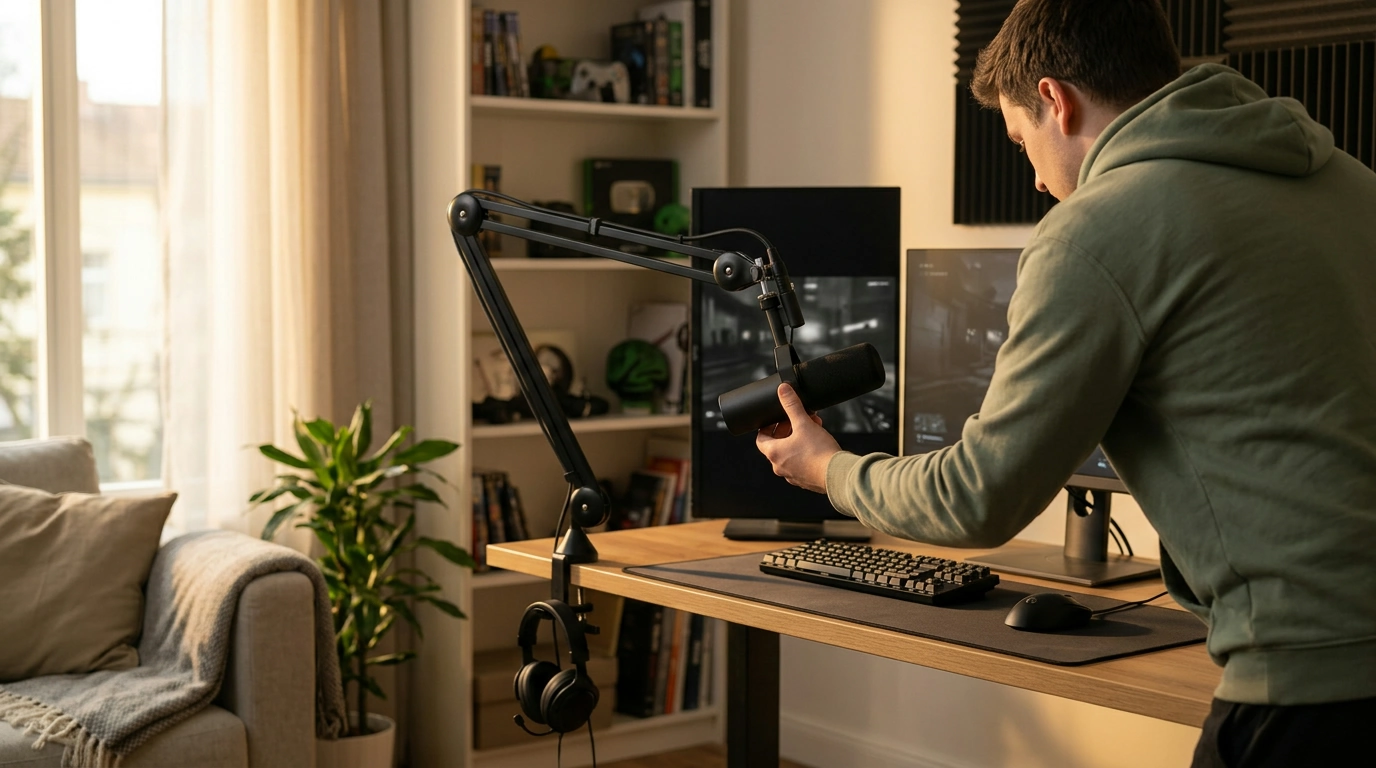
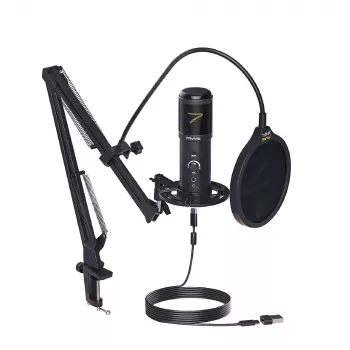
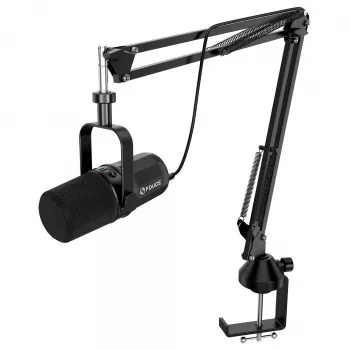
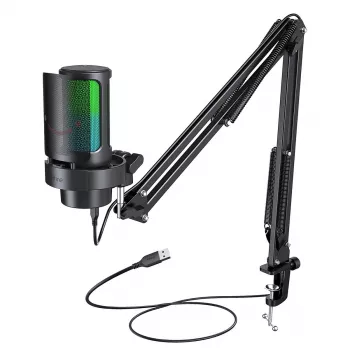
A good choice is a USB microphone kit that includes an adjustable boom arm. It gives you a straightforward desktop setup and lets you position the mic near your mouth without taking up space directly in front of your keyboard. For many gamers, that balance of easy setup, clear voice pickup, and flexible placement matters more than extra studio features.
Choose a microphone that connects directly to your computer by USB if you want to avoid a separate audio interface. Check that the kit includes a stable clamp, an arm with enough reach for your desk, and a mount that holds the microphone securely. A mute button and headphone monitoring can also be useful during matches or voice chats.
Pay attention to how the mic picks up sound. A directional microphone can help focus on your voice when it is positioned correctly, but it will not eliminate every background sound. Keep it close enough to capture your voice clearly, and speak toward the pickup side specified by the manufacturer.
Clamp the arm to a sturdy edge of your desk, then bring the microphone close to your mouth without blocking your screen. Keeping it slightly off to the side can make it easier to avoid direct breath sounds. Tighten the joints enough to prevent sagging, but leave them adjustable so you can move the mic out of the way when you are not gaming.
Before buying, check the arm’s clamp range and the microphone mount’s compatibility. A kit with both parts included can simplify setup, though you should still confirm that the arm fits your desk and the mic can be attached securely.
Yes. A USB mic and boom-arm kit is a practical starting point for gaming, streaming, and calls, especially if you want a neater desk setup. You can fine-tune your sound later by adjusting mic distance, input level, and room noise. For more setup ideas, read the guide to a USB mic kit and arm stand for clearer gaming audio.
Move the microphone closer to your mouth and farther from the keyboard, then lower the input gain if your voice remains clear. A desk mat or software noise suppression may help reduce remaining keystroke sounds.










Leave a comment