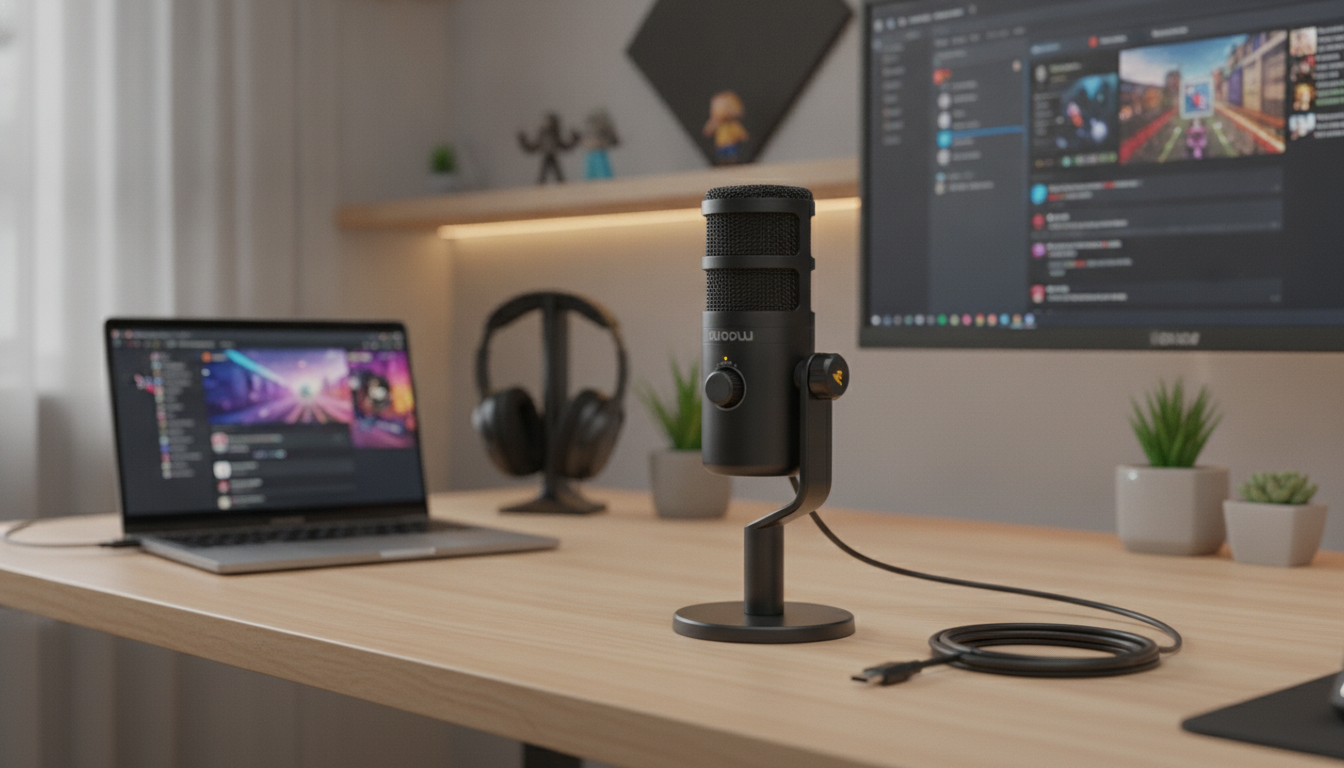
Clear voice can change the feel of a stream, a match, or a podcast. A dynamic USB‑C microphone is built to focus on what’s close to the mic while reducing room noise, and USB‑C connectivity keeps setup simple across modern computers and many mobile devices. For more guidance, see Maono PD200X USB/XLR Dynamic Microphone – LanOC Reviews.
Dynamic mics are a go-to choice when the goal is intelligible speech without turning your room into a studio. Compared with many condenser microphones, a dynamic capsule is typically less eager to pick up distant reflections, which can help your voice stay front-and-center even in everyday spaces. For further reading, see USB Gaming and Streaming Microphone with RGB Lighting.
For a deeper explanation of how dynamic and condenser microphones differ in real-world use, Shure’s overview is a helpful reference: Dynamic vs. Condenser Microphones.
A dynamic USB‑C mic fits a wide range of setups because it prioritizes clarity with minimal friction. If you’re often battling keyboard clicks, a PC fan, or a lively household, the “close mic” approach can be a practical upgrade over a built-in laptop microphone or a headset boom.
If you also want software-assisted noise reduction for calls and streams, NVIDIA’s tool can be worth exploring (hardware and app requirements apply): NVIDIA Broadcast.
Dynamic mics shine when you work close and keep gain under control. A few small adjustments—distance, angle, and a basic windscreen—often make a bigger difference than heavy processing.
| Scenario | Starting distance | Tip |
|---|---|---|
| Gaming chat at a desk | 3–5 inches | Keep the mic closer than the keyboard to reduce key clicks |
| Streaming commentary | 2–4 inches | Angle 20–45° off-axis to reduce plosives |
| Voiceover/recording | 3–6 inches | Use a pop filter and speak past the mic, not directly into it |
| Noisy room | 2–3 inches | Lower gain and move closer rather than turning gain up |
USB‑C is popular because it reduces the friction of getting started: connect the mic, select it in your operating system or app, and you’re ready to speak. Still, a few practical checks can prevent last-minute surprises.
If you plan to use a phone or tablet, test your complete chain (adapter, cable, mic, and recording/streaming app) before an event. Some devices need a powered hub, while others limit USB accessories depending on the app.
For monitoring and everyday listening, pairing your mic with comfortable, detailed earphones can make it easier to catch subtle distortion or background noise. Consider White Tiger In‑Ear Headphones with Hybrid Dual Driver & Planar Diaphragm for a compact option that fits neatly into streaming or travel kits.
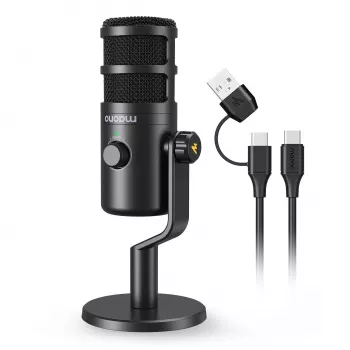
If you want cleaner, more focused voice capture without adding an audio interface, the Dynamic USB‑C Microphone for Streaming, Recording & Gaming is built for close-range speech—ideal for streaming commentary, team comms, and straightforward voice recording. USB‑C connectivity keeps setup simple on modern devices, and the dynamic style of capture is well-suited to typical rooms where noise and reflections are hard to control.
| Item | Details |
|---|---|
| Product | Dynamic USB‑C Microphone for Streaming, Recording & Gaming |
| Price | $70.82 |
| Availability | In stock |
Yes—dynamic mics are often less sensitive to distant sound than condensers, especially when used close to the mouth with moderate gain. Keep the mic within a few inches, aim it away from noise sources, and avoid cranking gain to compensate for distance.
Sometimes. Many computers accept USB audio immediately, while console and mobile support depends on the specific device, adapter requirements, available power, and whether the platform/app allows USB audio input.
A common starting point is 2–6 inches. Going closer reduces room sound but increases plosives and proximity effect, so use a pop filter and try a slight off-axis angle for a smoother result.








Leave a comment