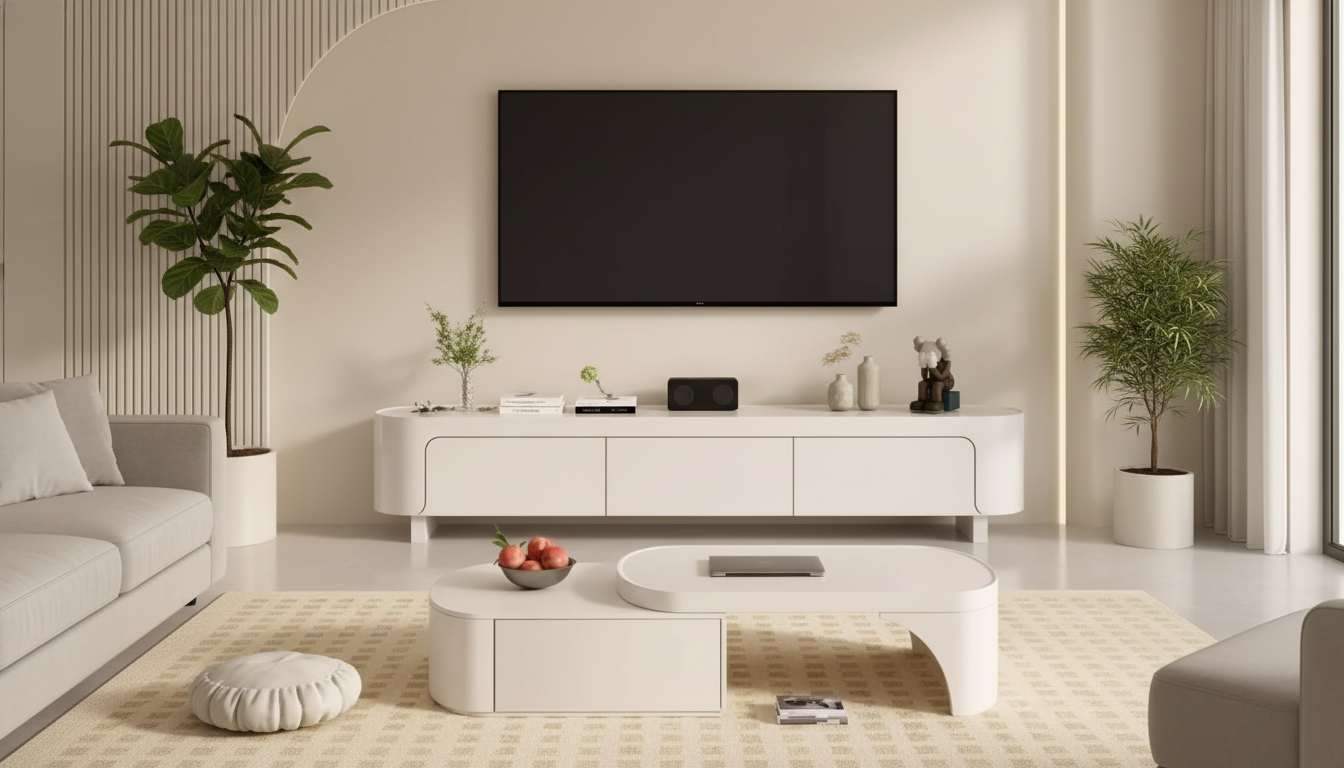
A clean-lined Nordic media console can do double duty: anchor the TV, hide clutter, and add dresser-like storage without making the room feel heavy. The best ones feel airy and intentional from across the room, yet stay practical when you’re juggling streaming boxes, game systems, remotes, and everyday living-room odds and ends. Below are the key details to nail the layout, sizing, storage, cable management, and care so your setup stays functional as your space and electronics evolve.
Modern Nordic design is less about decoration and more about proportion, restraint, and warmth. Look for simple geometry and flat fronts that read calm and uncluttered—especially if your TV and soundbar already add visual “tech” to the room.
Warm, natural-looking wood tones (or wood-look finishes) paired with matte accents help keep a room bright rather than heavy. An elevated stance—either tapered legs or a recessed plinth—creates shadow underneath, which makes the console appear lighter and easier to live with in smaller spaces. Finally, prioritize balanced proportions: long and low for comfortable viewing, but deep enough to store real household items instead of only a few devices.
Start by mapping the wall and the screen. A console that’s at least as wide as the TV generally looks steadier than a narrow base and gives you space for speakers or a little styling without crowding the TV. Confirm the top surface can support the TV’s footprint if you’re not wall-mounting; some TVs have wide-set legs that require more width than expected.
For comfort, aim to place the center of the screen near seated eye level. If your preferred console height is lower (common in Nordic pieces), adjust by wall-mounting slightly higher or choosing a mount with a bit of vertical flexibility. Leave breathing room on both sides for access to ports and for quick changes when you swap devices.
| Check | What to measure | Rule of thumb |
|---|---|---|
| Console width vs. TV | TV width (edge to edge) and console width | Console at least as wide as the TV; wider looks more grounded |
| Depth clearance | TV base depth + cables behind devices | Add extra space so cords don’t kink and doors/drawers open freely |
| Cable reach | Distance to outlets and router placement | Plan power and data paths before final placement |
| Walkway space | Distance from console to seating and paths | Keep enough clearance for drawers/doors and comfortable circulation |
Nordic consoles look best when the surface stays mostly clear, so storage design matters. Mix closed storage (for visual calm) with a small open zone for devices you use daily, like a streaming box or game console that needs easy access.
Deep compartments are the difference between “media stand” and “dresser alternative.” They can swallow board games, throw blankets, tech boxes, and the stuff that otherwise migrates to the floor. Drawer-style organization is especially useful for small items—remotes, controllers, chargers, spare batteries, and manuals—so you’re not fishing around behind cabinet doors.
Edges matter more than most people expect. Corners near walkways are the first place bumps and chips show up, so a slightly eased edge (instead of a sharp one) is a practical plus. Protect the top with felt pads under decor and devices to prevent micro-scratches, especially if you move a soundbar or set down keys regularly. For cleaning product guidance that’s gentler for indoor use, the EPA’s Safer Choice program is a solid reference point.
If the unit is tall or you’ll use it like a bedroom dresser, consider anchoring it to reduce tip-over risk, especially in homes with kids or pets. The U.S. Consumer Product Safety Commission has clear guidance on reducing furniture tip-overs here: CPSC Furniture Tip-Over Information. Finally, protect your flooring with pads and avoid dragging the console once loaded—weight shifts can stress joints and scratch surfaces.
If you want one piece that reads like a sleek TV stand while acting like a storage dresser, the Modern Nordic TV Stand and Storage Dresser is a streamlined option built for clutter control. It fits well in living rooms, bedrooms, or open-plan spaces where you want the calm look of closed fronts without giving up everyday storage.
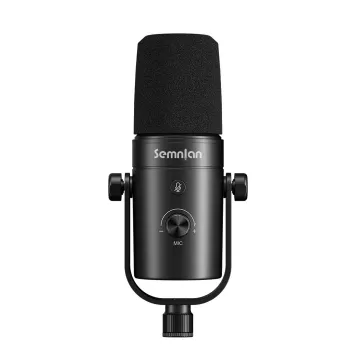
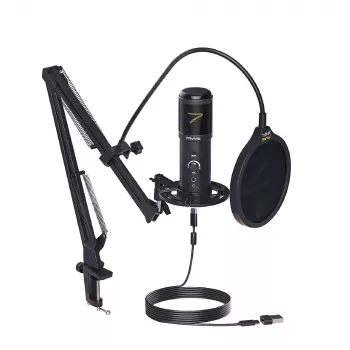
For media setups that double as content or gaming spaces, audio add-ons can help keep the console area purposeful. If you’re building a compact streaming corner nearby, consider the Professional Dynamic Microphone for Streaming, Podcasting & Studio Recording or the USB Gaming Microphone Kit with Arm Stand to keep your desktop or side table setup tidy while the console handles storage.
A console at least as wide as the TV usually looks more balanced and feels more stable visually. Going a bit wider also gives you room for speakers, decor, and easier access to side ports.
Leave open space around each device and avoid tightly packed stacks so heat can dissipate. Rear cutouts and airflow-friendly compartments help prevent heat buildup that can impact performance.
Yes—closed storage and drawers make a media console function like a dresser for clothing, linens, or accessories. Just confirm the height is comfortable for daily use and consider anti-tip anchoring if it’s tall or heavily loaded.









Leave a comment